
The Importance of Printer Security
When business owners think about cybersecurity, they usually focus on firewalls, email phishing, and secure passwords. However, one major vulnerability often sits right in the middle of the office. Modern printers and multifunction printers (MFPs) are highly advanced machines that are directly connected to your corporate network. If left unprotected, they can provide hackers with an easy entry point to access your sensitive data. At Capital Business Machines in Olympia, WA, we see firsthand how easily organizations overlook printer security. A single compromised device can lead to significant data breaches, compliance violations, and severe financial losses. Implementing strong MFP security measures is an absolute necessity for protecting your company’s digital assets. This guide covers the top vulnerabilities in office printing and provides actionable steps to secure your devices against internal and external threats.
How Office Printers Create Security Vulnerabilities
Today’s multifunction printers are specialized computers. They have hard drives, operating systems, and direct connections to your network and the internet. Because they handle documents containing sensitive employee records, financial statements, and client data, they are high-value targets for cybercriminals. Hackers can exploit unsecured printers in several ways. They might intercept documents as they travel over the network, access stored data on the printer’s hard drive, or use the device as a backdoor to infiltrate other connected systems.
Furthermore, internal threats are just as common. A confidential document left sitting on the output tray can easily fall into the wrong hands. Understanding these risks is the first step toward building a safer office environment.
Keep Printer Firmware and Software Updated
Like any computer, your office printer requires regular updates to function securely. Manufacturers frequently release firmware patches to fix known bugs and close newly discovered security loopholes. Failing to apply these updates leaves your devices exposed to attacks that hackers already know how to execute. Make it a habit to check for firmware updates regularly or configure your devices to download and install them automatically. Additionally, ensure that the software your employees use to send print jobs is also kept up to date. Consistent patching is one of the easiest and most effective ways to improve your overall printer security.
Use Strong Authentication and Access Controls
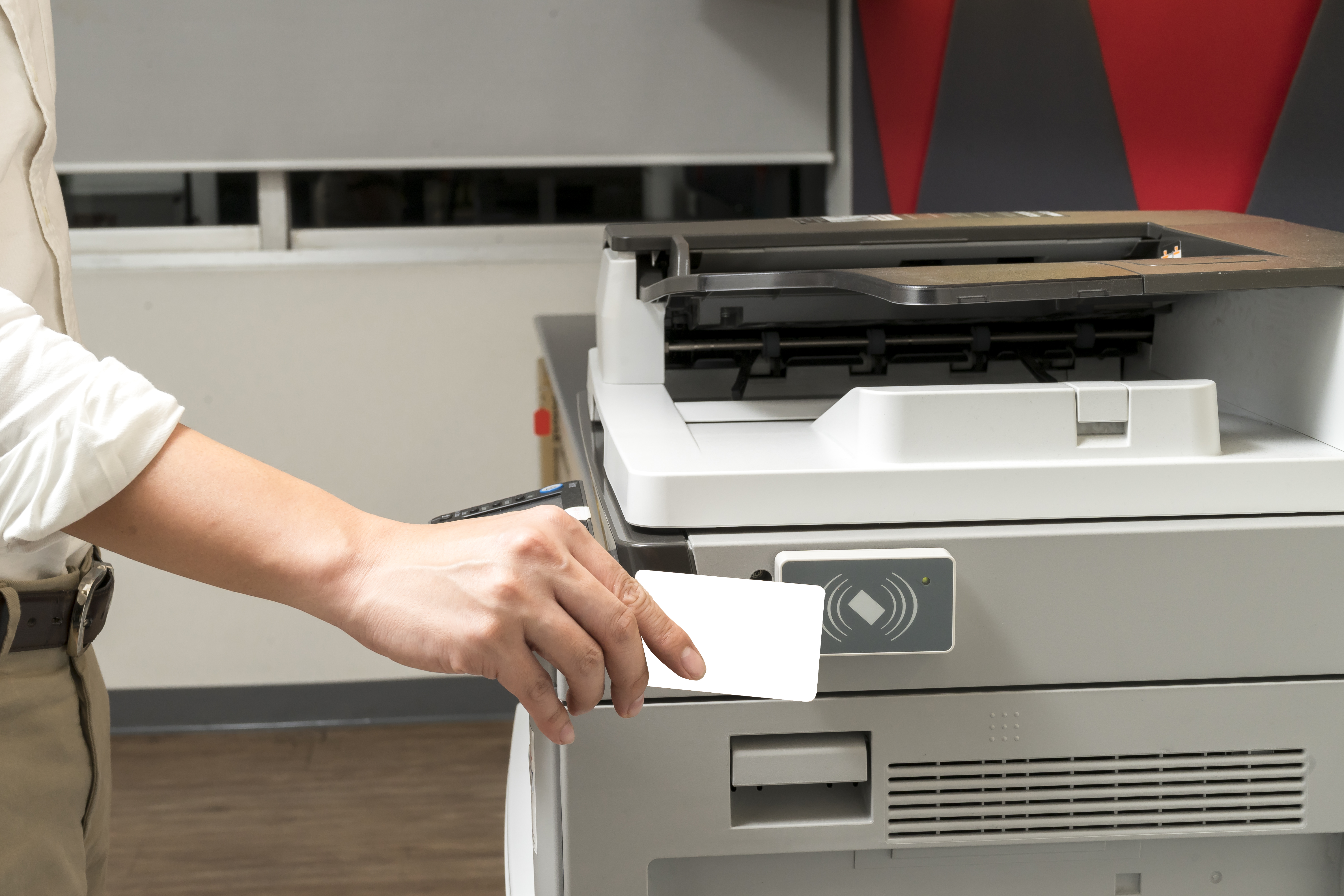
To prevent unauthorized users from accessing your devices, you must implement strict user authentication for printers. This ensures that only approved staff members can release print jobs or change device settings. Implementing role-based access control allows you to restrict certain functions based on an employee’s job requirements. For instance, you might allow everyone to print in black and white, but restrict color printing, scanning to email, or accessing network folders to specific departments. You can also eliminate the risk of abandoned documents by setting up secure printing environments. Solutions like pull printing and follow-me printing require the user to be physically present at the machine to release their documents. They can authenticate themselves using various methods:
- Badge authentication: Swiping an employee ID card at the machine.
- PIN authentication: Entering a unique numeric code on the printer’s touchscreen.
- Biometrics: Using fingerprint scanners for highly restricted areas.
Secure Printer Hard Drives and Memory
Every time an employee copies, scans, or prints a document, the MFP stores an image of that file on its internal hard drive or memory. If the printer is ever stolen, sold, or returned at the end of a lease without being properly wiped, the data it contains goes with it. To secure this hidden data, enable automatic hard drive encryption on all your devices. Encryption scrambles the stored data, making it unreadable to anyone who removes the drive. Additionally, configure your printers to overwrite image data immediately after each job completes automatically. When it comes time to retire or replace a machine, work with a trusted partner like Capital Business Machines to ensure the hard drive is physically destroyed or subjected to a military-grade data wipe.
Making Print Security Part of Your Cybersecurity Strategy
Printer security should never be an afterthought. It must be integrated into your broader IT security framework to ensure comprehensive protection. By treating your multifunction printers as critical endpoints, you can significantly reduce your organization’s attack surface. To effectively secure these devices, implement the following best practices:
- Change Default Passwords: Immediately update all factory administrative passwords, as these are well-known to hackers and provide easy access to your network.
- Implement Network Segmentation: Place your printers on a separate, firewalled network segment to prevent attackers from using a compromised device to reach sensitive servers or core business data.
- Enable Auditing and Logging: Activate logging features on your devices and review them regularly to detect suspicious behavior, such as unauthorized login attempts or irregular printing activity.
Industries That Need Strong Print Security Practices
While every business should secure its network endpoints, certain sectors face strict regulatory requirements regarding data privacy.
- Healthcare: Clinics and hospitals must comply with HIPAA regulations. Patient records printed and left unattended can result in massive fines.
- Finance: Banks, accounting firms, and wealth management offices handle sensitive financial data subject to GLBA and PCI-DSS rules.
- Legal: Law firms manage highly confidential client information and case files. A breach involving an unsecured MFP can destroy a firm’s reputation and lead to malpractice lawsuits.
Secure Your Olympia Office with Capital Business Machines
Ignoring the security of your office printers is a risk your business cannot afford. By keeping firmware up to date, enforcing strong user authentication, and treating your MFPs as critical network endpoints, you can drastically reduce your exposure to cyber threats. If you need help assessing your current vulnerabilities or implementing advanced secure printing solutions, contact us today. Our local team in Olympia, WA, is ready to help you build a robust print environment that keeps your data safe, your employees productive, and your business moving forward.